Home
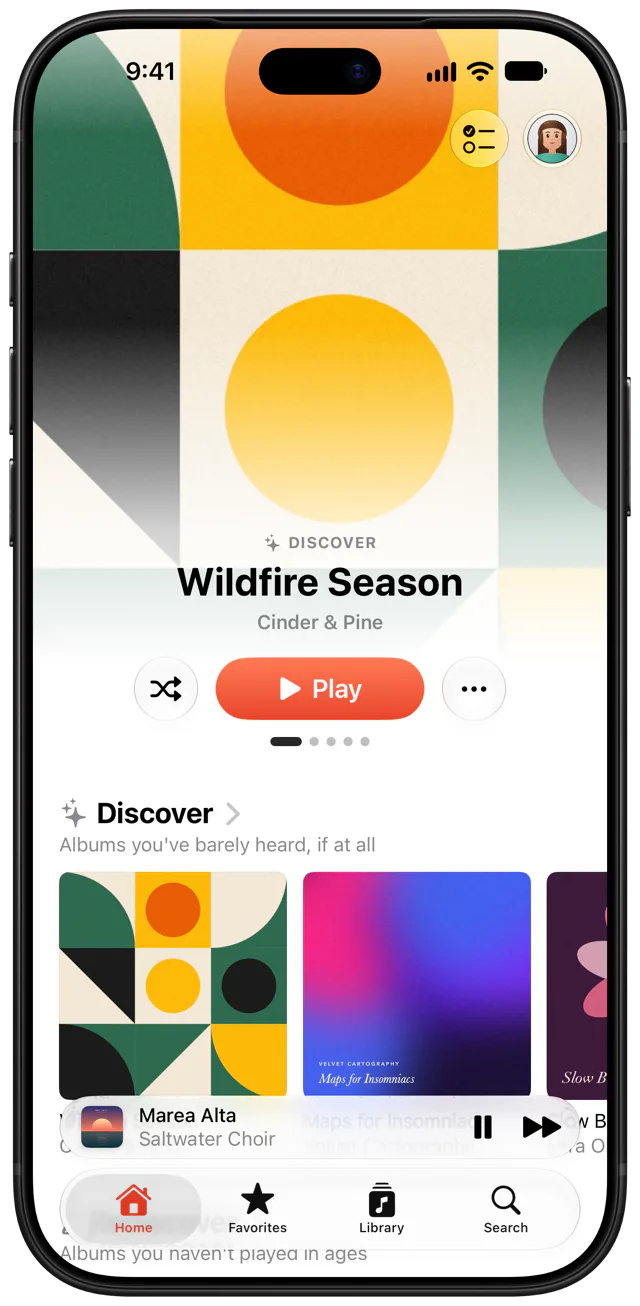
Fresh finds and old favorites, every time you open it.
Home digs through your server for what you just added and what you haven't heard in years.
Coda for iPhone plays the music on your Jellyfin server.
No account with us, and nothing in between.
It works the way iPhone apps do, so you know your way around.
Your downloads play anywhere.
The tour
Home
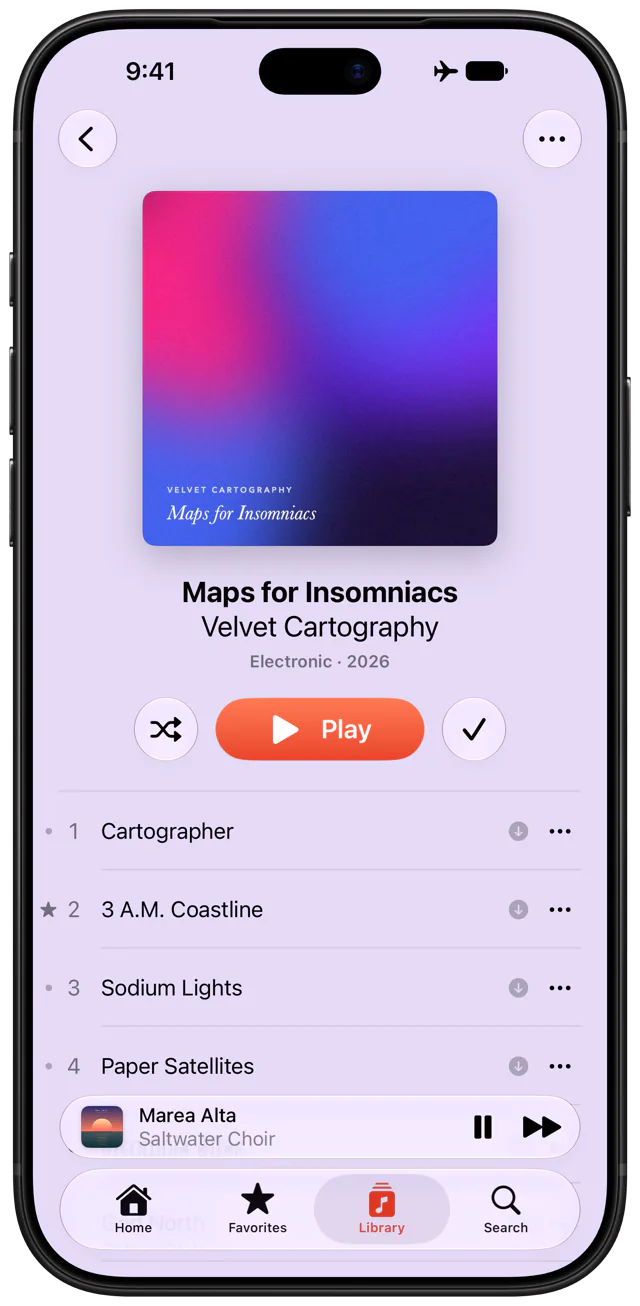
Home digs through your server for what you just added and what you haven't heard in years.
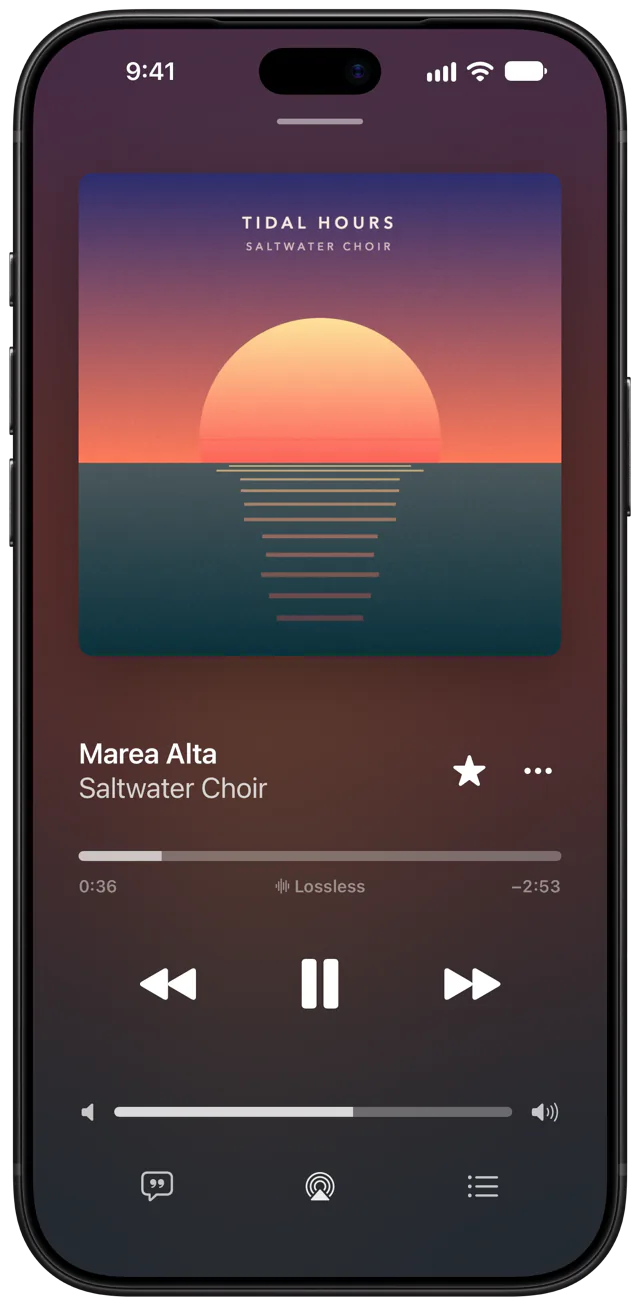
Now Playing
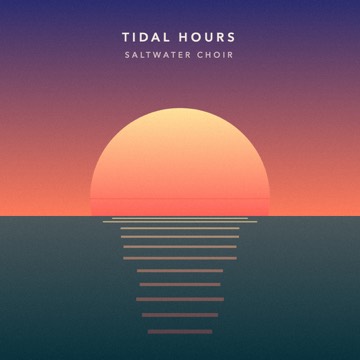
A quiet, minimal player that steps aside and lets the artwork take center stage.
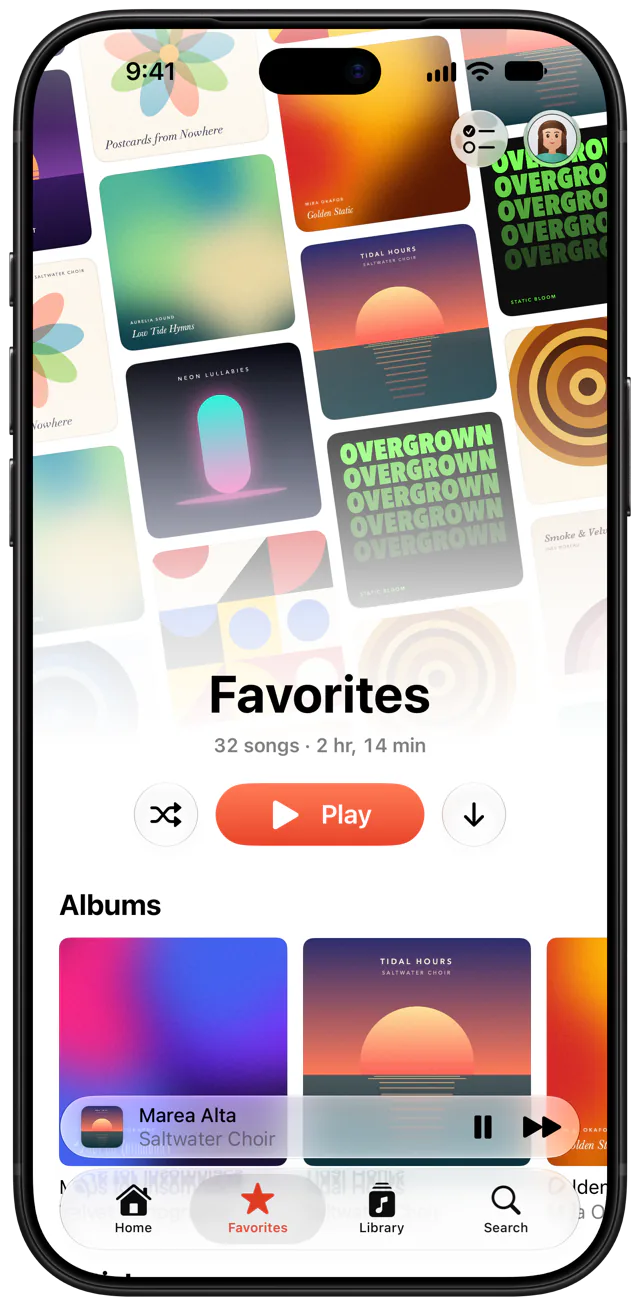
Favorites
Stars sync with your server, and one button downloads them all.
Offline
Songs, albums and playlists, lyrics included, as AAC or the original file.
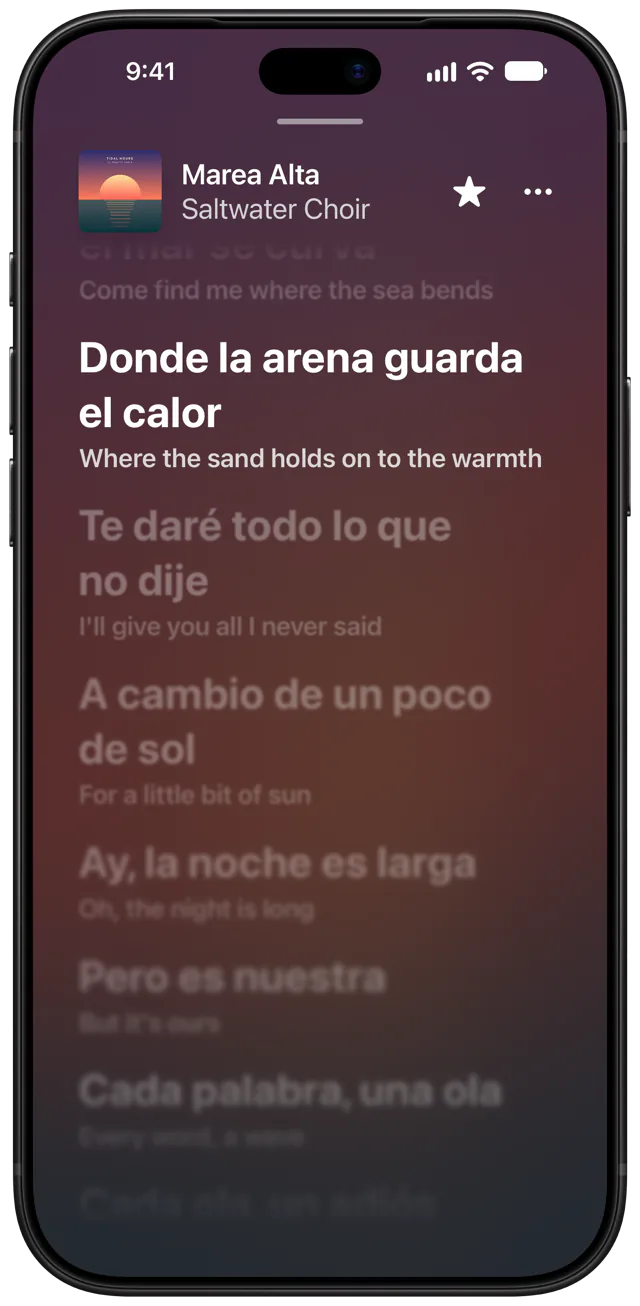
Lyrics
Each line lights up as it's sung, with its translation underneath.
Playback
Ask for a song, an album, an artist, a playlist or a genre. Siri knows the app as Coda.
Your library on the car's screen, Home and Favorites first. Offline, your downloads too.
Set the sleep timer for up to an hour, or until the song ends. Shuffle, Repeat and Autoplay sit beside it in the queue.
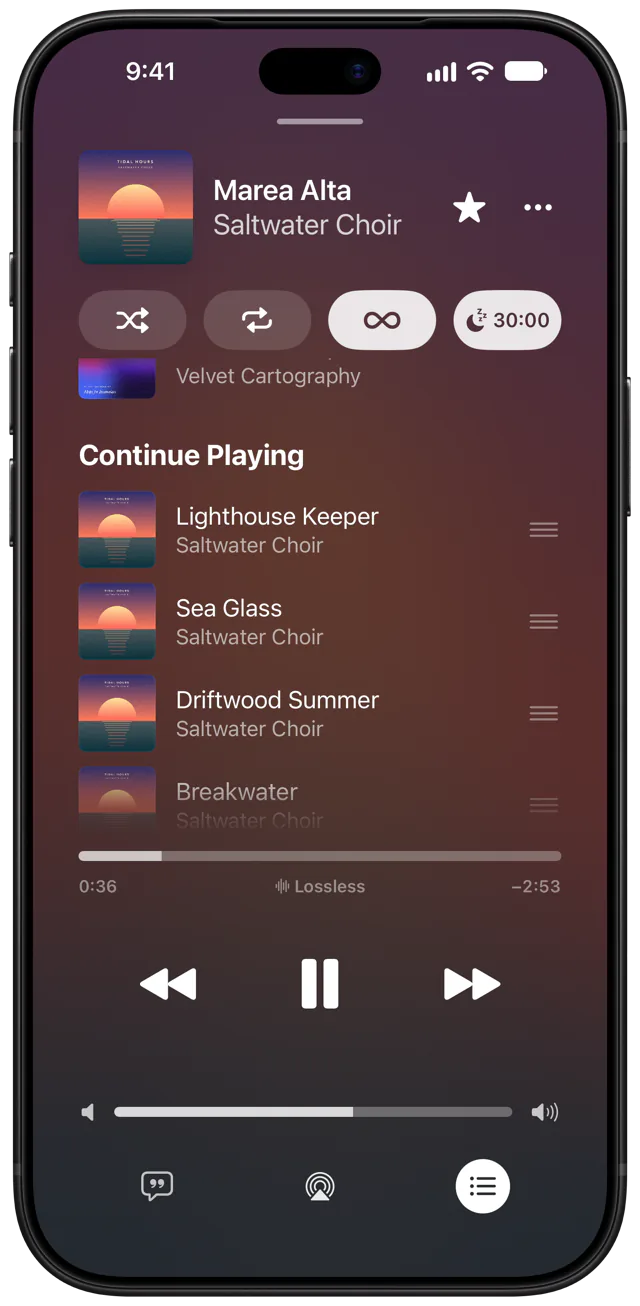
FLAC, ALAC, WAV and AIFF play untouched, and a badge says so. Your server transcodes the rest.
One song flows into the next, without a pause.
Every song at about the same volume.
Lossless and compressed files stream and download just as they are. Anything else, your server converts to AAC as it plays.
Lock Screen controls, AirPlay and AirPods.
Headphones out, music off.
Play counts stay current.
Your queue comes back.
Create, rename and reorder them.
Start one from any song, album or artist.
Sign in with your password or Quick Connect.
An iPhone and a Jellyfin server. Nothing to subscribe to.
Coda gives it the player it deserves.